World's first live reverse-engineering system
See the exact prompt
behind any image.
Hover any image or video - Nano Spark Designer reads it live with vision AI and rebuilds the precise prompt that created it. Edit, convert, save, reuse.
 Hovering image…
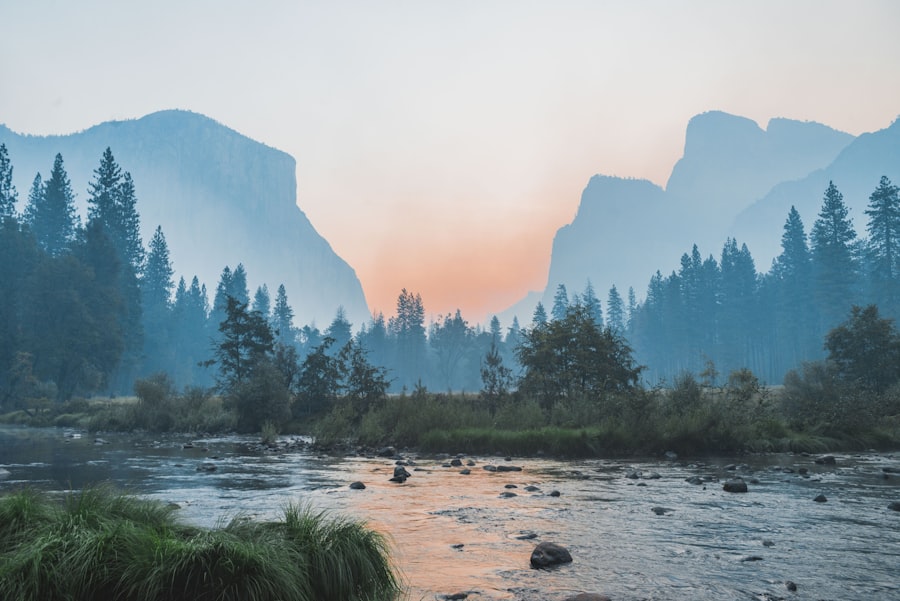
A cinematic mountain landscape at night, milky way over jagged peaks, cool blue tones, long exposure, ultra-detailed
The problem
You can see the image.
Never the prompt that made it.
Every AI image starts as a prompt - a precise recipe of subject, light, lens and style. Until now, that recipe stayed invisible.
- Live vision analysis - hover, extract, done. No uploads, no websites.
- Image and video - motion, scene, lighting and style all captured.
- Your keys, your calls - models run through your own OpenRouter key.
How it works
From install to first prompt in minutes.
No learning curve. Lite is the real product - free forever.
Install
Download the ZIP and load it into Chrome as an unpacked extension - under two minutes.
Sign in
Create a free account - you start on the Lite plan instantly. Add your own OpenRouter key.
Extract
Hover any image or video and copy the exact prompt. Save, convert or refine it in the editor.
Capabilities
Four outcomes, one flow.
Every feature moves you from media to a usable prompt - grouped by what you want to do.

Discover

Analyze

Organize

Convert
Try the modes
One engine. Three depths.
Fast, concise extraction - the everyday mode. Turn any image into a clean, working prompt in seconds.
A cinematic photograph of a lone lighthouse on a rocky cliff at golden hour, dramatic clouds, warm light on the sea, 85mm lens, shallow depth of field, ultra-detailed, 4K
What's included
Free vs. one-time unlock.
Lite - Free forever
- Available 1 image per request
- Available 1,000-char prompts
- Available 1 API key · automatic failover
- Available 3-item prompt library
- Standard only Deep & Ultra analysis
Pro & Ultra - One-time
- Available Up to 10 images per request
- Available Up to 20,000-char prompts
- Available Up to 3 API keys
- Available 500-item prompt library
- Deep & Ultra Layout · typography · hierarchy
Workflows
From pixels to production prompt.
The same live-analysis engine, tuned for each depth - image and video.

3 days of full access.
Every model, every mode - Pro and Ultra tiers unlocked free for 3 days after signup. Try the whole system before you decide.
Create a free account
Compare in detail
Every plan, side by side.
Generated live from the backend configuration - the same source the extension reads.
Privacy
Privacy isn't a feature.
It's the architecture.
- Your keys stay with you - stored only in your browser, used only for your requests.
- Local by design - history, library and saved prompts live in your browser.
- Server-verified access - plan and entitlements resolve server-side, every time.

Ready to see what made that image?
Download the extension, sign in, and hover your first image.
FAQ
Common questions
Is it really free?
Yes - the Lite plan is free forever. It includes standard image extraction with a 1,000-character prompt limit, 1 image per request and a 3-item prompt library.
Do I need my own API key?
Yes. You add your own OpenRouter key inside the extension - it never leaves your device. The extension handles model failover automatically.
Where is my data stored?
Everything - history, library, saved prompts - stays in your browser locally. The server only stores your account, plan and status.
How do upgrades work?
Plan changes are applied to your account on the server. The extension picks them up automatically on its next access refresh - no reinstall needed.
Is it a subscription?
No. Pro and Ultra are one-time payments - no monthly billing, no recurring subscription. Pay once, keep the plan.
How do I update the extension?
The extension is distributed as a ZIP, so updates are manual - download the latest release and reload it in Chrome. See the Download page for exact steps.